
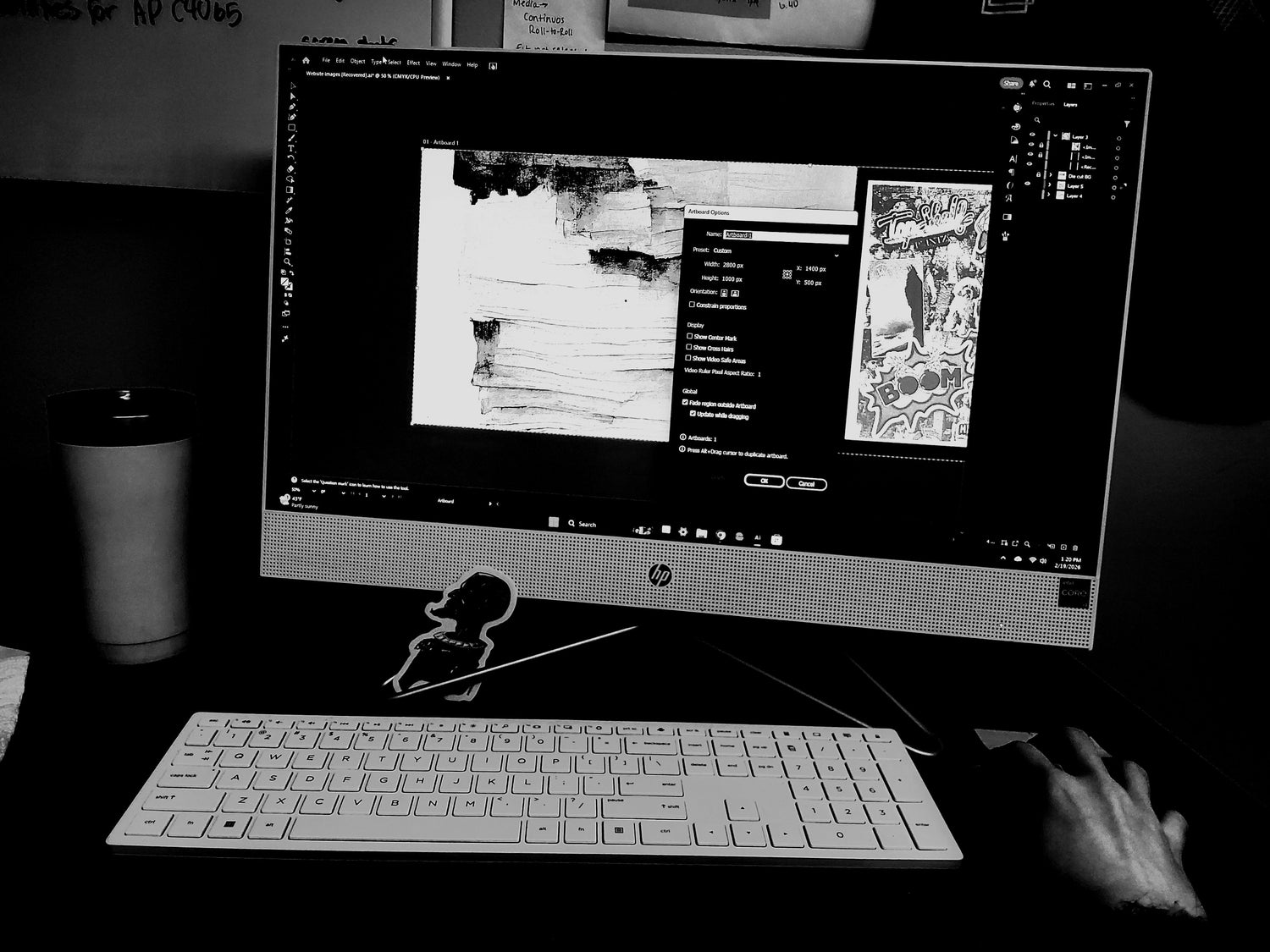
When sending in designs, it is important to send in files properly formatted to ensure the quality of design. The programs we use for setting up files are through illustrator, so when you send or upload images the best format for files should be a PDF or a transparent PNG.
File Size:
If you are sending in an image file pulled from google, make sure the file size has a high resolution or is considered a large image. If the image is too small it will come out pixelated, even if we attempt to vectorize the image the quality will still be poor.
If you are sending a design file make sure the file is slightly larger than or to scale with the printing size.
Making the Files in Other Programs:
If you are using other Adobe Products: Please flatten files as much as you can!
If you have layer mask please rasterize or flatten the image
Keep text as text files and try to group them together
Barcodes and QR codes should be kept on one layer
If you are using a Drawing software: make sure your files are to scale for printing. Export as a PNG, as a transparent file.


Leave a comment
This site is protected by hCaptcha and the hCaptcha Privacy Policy and Terms of Service apply.